

Troubleshooting Page Formatting on Allow Listed Sites
Overview
You can use allow listing to override content filtering rules configured on the Cisco Meraki MX WAN appliance.
Environment
-
Hardware: MX WAN appliance
-
Platform: Meraki Dashboard
-
Relevant dashboard navigation paths:
-
Network-wide > Monitor > Event log
-
Security & SD-WAN > Configure > Content filtering
Troubleshooting page formatting issue
An example of a page formatting issue is monster.com. If you allow list the domain monster.com on a network that blocks job search websites, some sections of the site, such as resume.monster.com, might not display correctly, as shown in the screenshot below.

Possible causes
Some websites load resources from multiple domains. As a result, you might need to allow list additional domains so the page displays correctly.
Troubleshooting steps
Complete the following steps to resolve this page formatting issue:
- Go to the section of the website that is not displaying correctly, and refresh the page one or two times.
- On the dashboard, go to Network-wide > Monitor > Event log and note the domains listed in the content filtering logs:
- On the dashboard go to Security & SD-WAN > Configure > Content filtering and enter each domain that appears in the event log. Do not include any characters before or after the forward slashes.
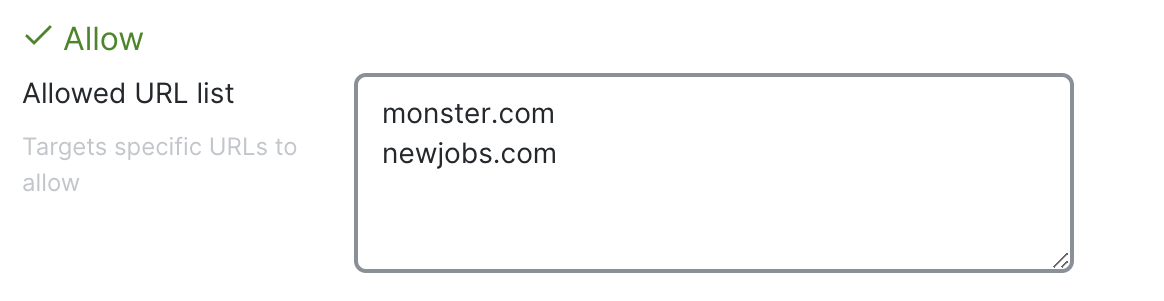
- Save the configuration change.
- Wait a few minutes for the MX to synchronize the updated configuration from the dashboard.